VCF 9.1: The vLCM Image You Can't Delete in the GUI
In VCF Operations 9.1 you can export a custom vLCM cluster image but there's no button to delete one again. Here's why, and the three-call API path (get a token, list, delete) that clears it out.
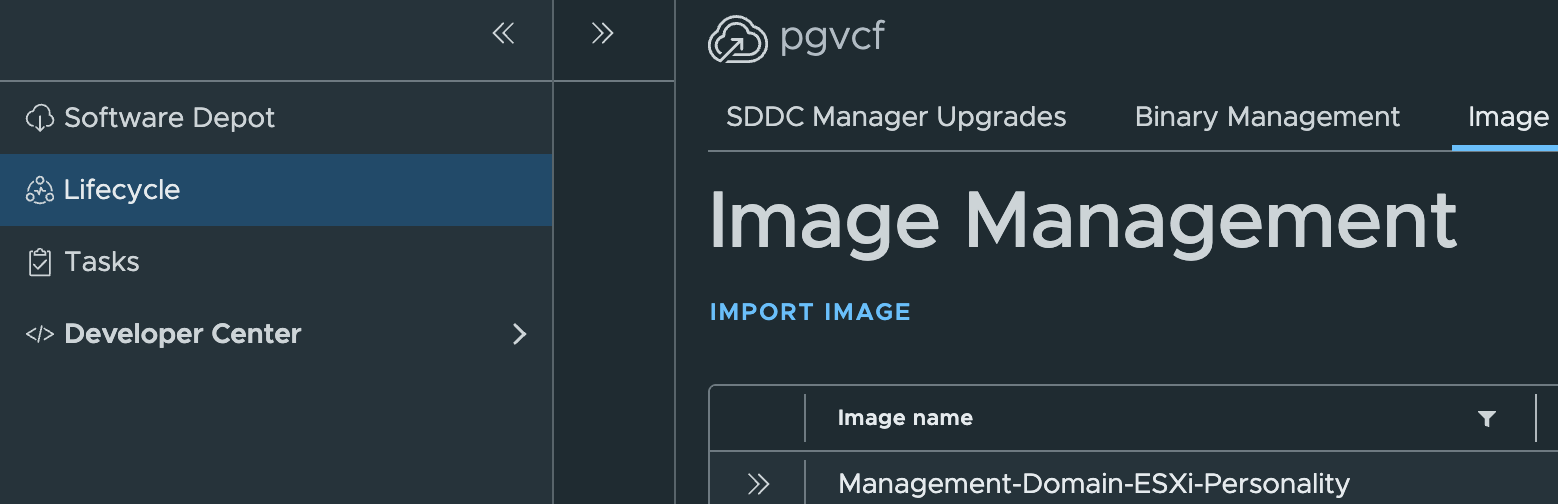
In VMware Cloud Foundation 9.1, a vLCM image is the desired-state definition — ESX version, vendor add-on, firmware and components — that a cluster runs against. You can export a cluster’s image to a reusable custom image, for example to apply the same config to another cluster.
Within VCF Operations 9.1 there is not a way to delete an exported image from the GUI.
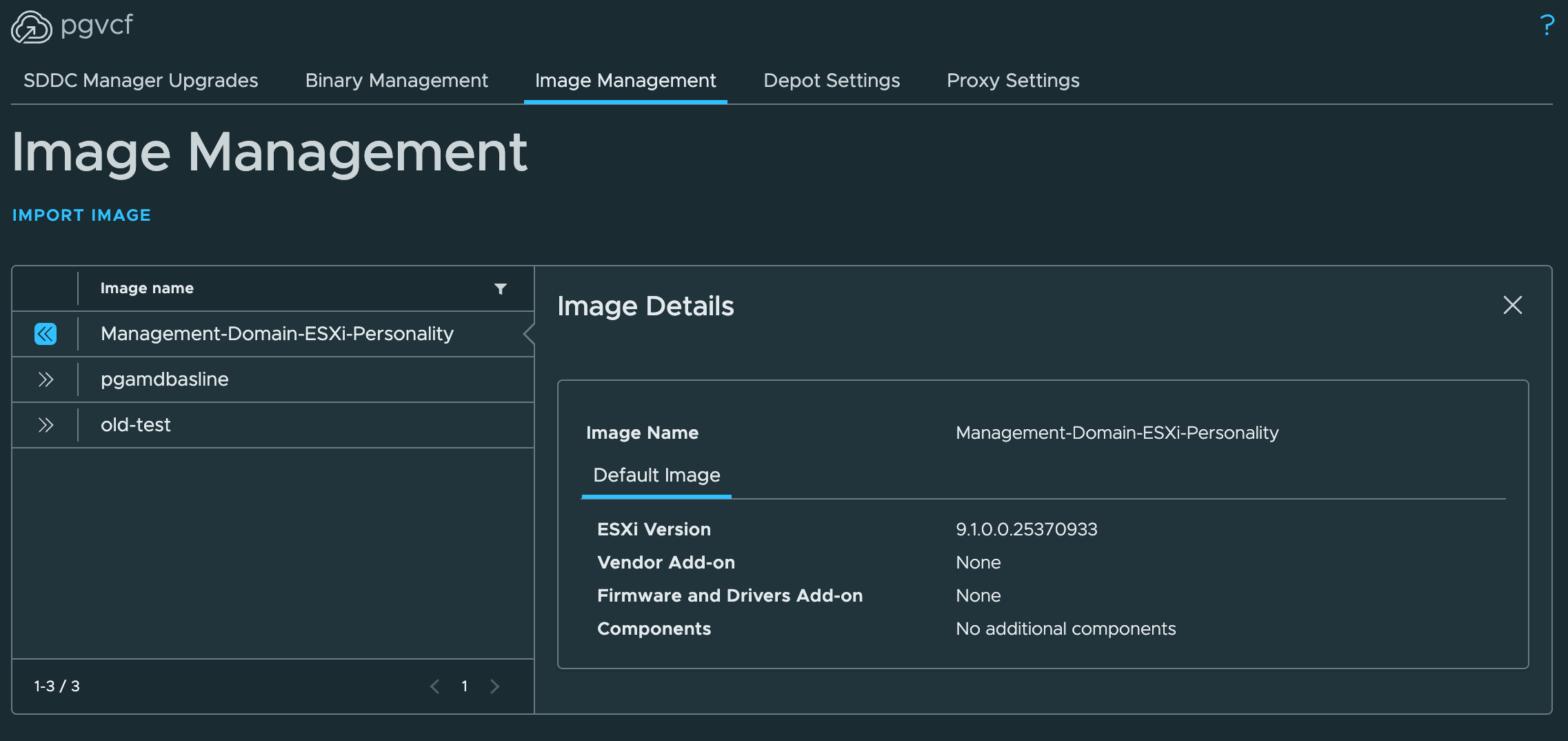
The images still exist, and there is a supported delete — Broadcom documents it in KB 321672. In the SDDC Manager API an image is a personality, and removing one is a single API call rather than a GUI action.
The API calls
Every call needs a bearer token first. The token is short-lived — mint one, then use it in the Authorization: Bearer <token> header on the calls that follow. If a call returns 401, the token has expired; mint a new one.
- Get a token —
POST /v1/tokenswith admin credentials or a service-accountapiKey. Returns anaccessToken. - List the images —
GET /v1/personalities. Find thepersonalityNameorpersonalityIdof the exported image to remove. - Delete it —
DELETE /v1/personalities?personalityName=<name>(or?personalityId=<id>). A 200/202/204 confirms it’s removed.
Delete only exported images you no longer need — not an image a cluster is actively running.
The step-by-step
The full flow — the Postman requests (with a script to capture the token automatically), the curl equivalents — is in the companion guide: Day-2: Image Management (vLCM Images) via the API.
This is a lab walkthrough that stitches the public sources into one flow — it doesn’t replace Broadcom’s own documentation. Where they differ, the official docs win.